

Manufacturing Production Workflow Software That Fits
July 27, 2026
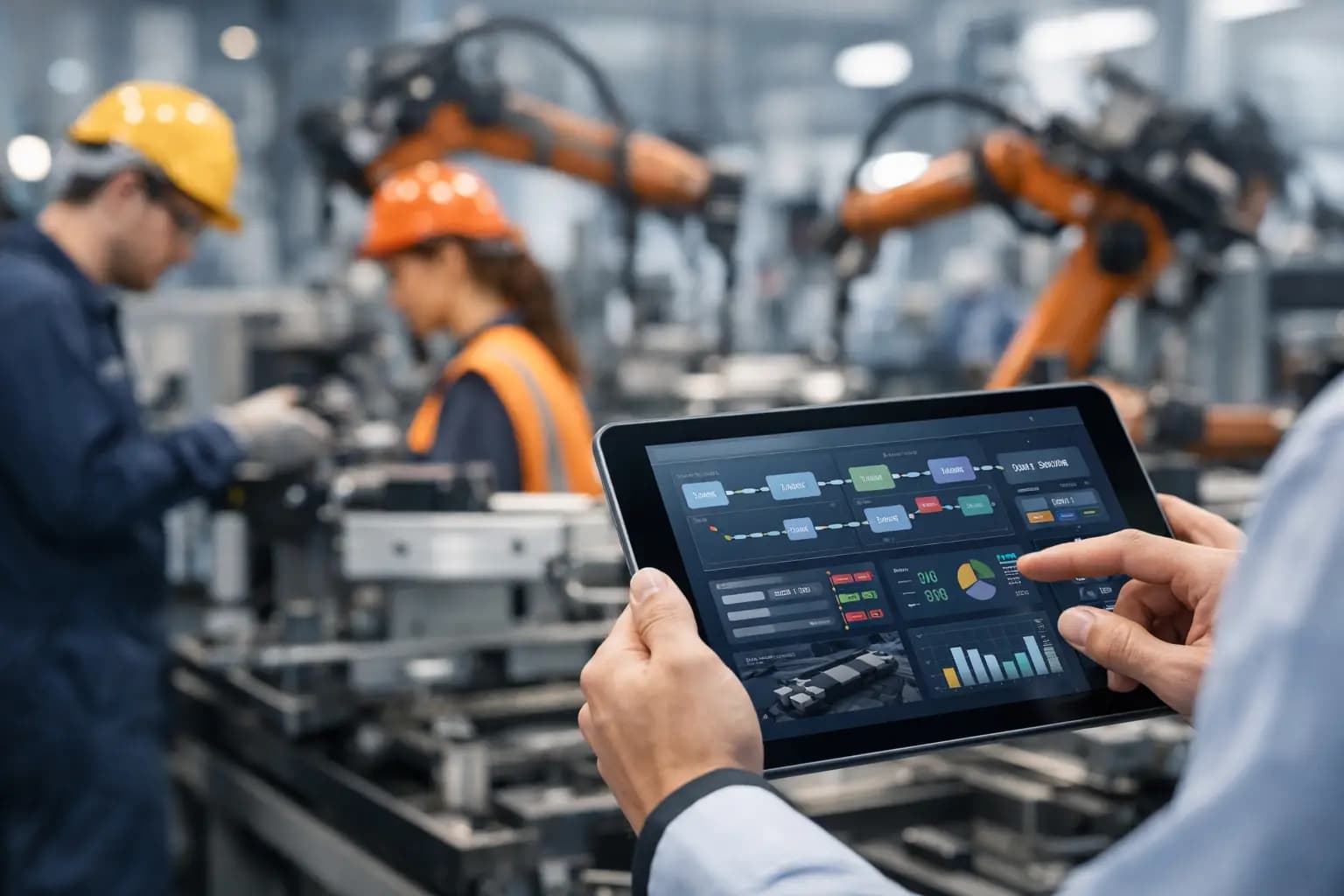
A production delay rarely begins on the shop floor. It often starts with a planner updating a spreadsheet, a supervisor working from an old revision, or a quality hold buried in an inbox. Manufacturing production workflow software addresses that gap by giving every team one operational record of what needs to happen, who owns it, and what is preventing the next step.
For growing manufacturers, the goal is not to replace every system at once. It is to remove the manual handoffs, duplicate data entry, and disconnected decisions that make production harder to control as order volume, product complexity, and customer expectations increase.
What Manufacturing Production Workflow Software Should Do
Manufacturing production workflow software coordinates the movement of work across planning, production, quality, inventory, maintenance, and fulfillment. It turns a process that may currently live across spreadsheets, whiteboards, ERP exports, emails, and tribal knowledge into a structured operating system.
At its best, the software does more than display dashboards. It creates the rules behind the work. A sales order can trigger a production request. A planner can release a work order based on material availability and capacity. Operators can record progress at each routing step. A failed inspection can place inventory on hold and notify the right manager before nonconforming product reaches shipping.
That distinction matters. Reporting tells leadership what happened. Workflow software helps the operation control what happens next.
The right scope depends on the plant. A high-mix job shop may need tighter quote-to-work-order handoffs, revision control, routing visibility, and exception management. A food or regulated manufacturer may prioritize lot traceability, quality checks, electronic batch records, and audit trails. A multi-site operation may need shared production standards while preserving local scheduling rules.
The Operational Friction Worth Fixing First
Most manufacturers do not have a single software problem. They have a chain of small breakdowns that compound throughout the day.
Production planners may export demand from an ERP, manually adjust schedules, then send PDFs or emails to the floor. Supervisors may update status only at the end of a shift, leaving customer service to guess whether an order is at risk. Quality teams may document nonconformances in separate tools, with no direct connection to the work order or inventory disposition. Finance may reconcile actual labor, scrap, and material usage long after the order is closed.
These workarounds can function when volume is low and experienced people are available to bridge the gaps. They become expensive when the business adds product lines, locations, customers, compliance requirements, or shifts.
A useful first step is to identify decisions that are repetitive, time-sensitive, and currently dependent on someone asking for an update. Those are strong candidates for workflow automation. Examples include releasing work orders, escalating late operations, approving substitutions, routing quality holds, creating replenishment requests, and collecting end-of-shift production data.
Not every decision should be automated. A production manager may still need to decide how to allocate constrained capacity during a major disruption. But the system should gather the relevant facts, flag conflicts early, and document the decision once it is made.
Build Around the Actual Production Flow
Off-the-shelf MES, ERP, and manufacturing tools can be effective, especially when a plant has standard processes and a clear fit with the platform's model. The trade-off appears when the operation begins forcing people to work around the software rather than using the software to enforce a better process.
Custom workflow software is most valuable when critical processes cross several systems, vary by product or customer, or contain approval logic that generic tools cannot represent cleanly. It can sit alongside an ERP rather than compete with it. The ERP may remain the financial and inventory system of record, while the workflow platform becomes the operational layer for coordinating people, tasks, exceptions, documents, and real-time production events.
Start with the workflow, not the screens
A productive discovery process maps the lifecycle of a job from order intake through shipment and closeout. It identifies the records involved, the people who touch them, the handoffs between departments, and the conditions that change the route.
For each step, define four things: the trigger, the owner, the required data, and the next action. For example, a work order may be released only when the bill of materials is approved, required materials are allocated, and the production schedule has capacity. If one condition fails, the system should not simply show a red warning. It should assign an exception, record why it happened, and make the resolution visible.
This level of detail prevents a common failure: building attractive screens around an unclear process. Software cannot create operational discipline on its own. It can make the desired process easier to follow and much harder to bypass without accountability.
Create a shared operational data model
A unified workflow depends on consistent records. Orders, work orders, routings, operations, materials, lots, inspection results, downtime events, and shipments need identifiers that connect across systems.
This does not always require a full data migration. In many cases, APIs, scheduled syncs, barcode scanning, and event-based integrations can connect existing ERP, CRM, quality, maintenance, and warehouse tools. The key is deciding which system owns each type of data and how conflicts are handled.
For example, an ERP may own item masters and inventory balances, while a production workflow application owns operation status, assignments, digital work instructions, and exception history. Without clear ownership, teams create duplicate records and lose trust in both systems.
Features That Deliver Control, Not Just More Data
The most valuable capabilities are the ones tied directly to a measurable operational outcome. Work-order management should show the current operation, ownership, priority, dependencies, and blockers. Digital work instructions should surface the correct revision at the point of use. Quality workflows should connect inspection results to lots, work orders, corrective actions, and disposition decisions.
Scheduling tools should also be treated carefully. A sophisticated finite-capacity scheduler may be appropriate for a complex plant, but it will not help if routing times, labor availability, and material status are inaccurate. Many teams get better results by first making work status and constraints visible, then adding optimization once the underlying data is dependable.
AI can support this work where there is a clear decision pattern. An AI agent might read supplier documents, extract delivery dates, compare them against production needs, and create an exception for a buyer to review. It might summarize recurring downtime notes or identify work orders that share a likely root cause. It should not silently make high-impact production, quality, or compliance decisions without defined approval rules and an audit trail.
Implement in Releases That the Plant Can Absorb
A large replacement project can create risk precisely when the operation needs stability. A better approach is to deliver an initial workflow that solves one visible bottleneck, then expand based on real usage.
A practical first release might centralize work-order status, digital instructions, quality holds, and escalation alerts for a single production area. Once operators and supervisors rely on it, the next release can add inventory signals, machine data, customer commitments, or multi-site reporting.
This approach gives leaders evidence before committing to broader change. It also reveals where the process itself needs adjustment. Weekly demos with the people who plan, run, inspect, and ship the work are more useful than a long build period followed by a surprise launch. No black boxes, no surprises.
Adoption should be designed into the product. Shop-floor interfaces need to work on the devices people actually use. Data entry should be limited to information that supports a decision, traceability requirement, or performance measure. If operators must enter the same status in three places, the workflow has not been improved.
Measure Whether the System Is Changing the Operation
The right metrics vary by manufacturer, but the software should make operational improvement visible. Track schedule adherence, work-order cycle time, queue time between operations, first-pass yield, scrap, rework, on-time completion, and the age of unresolved quality holds.
Also measure the cost of coordination. How many hours does planning spend chasing updates? How often are production changes communicated manually? How long does it take to identify the status, materials, and quality history of a specific order? These are often the gains that teams feel first, even before broader financial results appear.
A workflow platform should give executives reliable visibility without turning supervisors into full-time data clerks. When the data is captured as part of doing the work, reporting becomes a byproduct of the process rather than an extra administrative burden.
Manufacturing operations become more predictable when the software reflects the real flow of work, including its exceptions. Start where information is being lost, build clear ownership into each handoff, and expand only after the first workflow is earning trust on the floor.
While every plant is different, the operational pattern is one we know well from building custom platforms for operations-heavy teams: replacing disconnected spreadsheets, email approvals, and legacy exports with one shared record of what needs to happen, who owns it, and what is blocking the next step. See how we build operational platforms.
Ready to Get Started?
If any of this sounds like your operation, the best next step is a conversation. We start every engagement with process discovery — no black boxes, no surprises. Book a Discovery Call and we will help you find the workflow where custom software would create the most value.